
BridgeBench V3 is live. See what frontier AI can build.
BridgeBench V3 is live with model scorecards, API prices, and replayable design results. Compare what frontier AI builds, how long it takes, and what it costs.
This article reports verified release details and BridgeMind’s own observations. Follow the references for the original posts and announcements.
What is BridgeBench V3?
BridgeBench V3 is BridgeMind’s public benchmark for vibe coding. It brings model scorecards, vendor API prices, and replayable design results into one place. Builders can inspect actual output alongside the time and cost of producing it.
The live site answers a more useful question than “which model is number one?” It shows which model fits the work you want to ship. Open the model leaderboard for a broad view, then inspect the UI Bench gallery to see what individual models built.
How does the V3 leaderboard explain the frontier?
The model leaderboard scores nine areas from 1 to 10: reasoning, front end, back end, one shot, security, trustworthiness, laziness, speed, and cost. Overall is the plain average. Higher is better in every column, including laziness and cost, whose scoring direction is inverted.
Each scored model has notes behind its ratings and a vendor rate card. Models without a score are marked pending. BridgeBench bases its ratings on real software work and public cross checks, with published data informing reasoning, speed, and cost. These are transparent editorial assessments, not statistical proof that one model will win every task.
What can builders inspect in UI Bench?
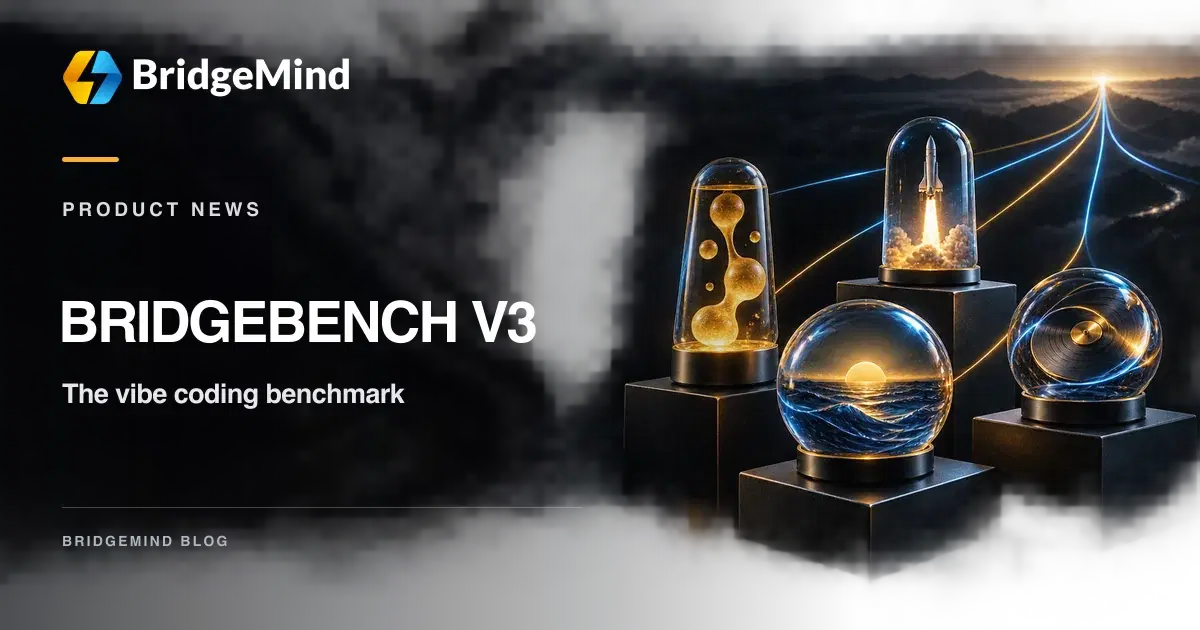
UI Bench gives models the same four design briefs: Lava Lamp, Rocket Launch, Sunset Ocean, and Turntable. Each model responds to a brief in one shot. The public gallery lets builders replay the resulting Three.js scenes and check their recorded generation time and cost.
An automated check determines whether each returned file meets the task’s technical contract. Qualification means the file passes those checks; it does not grade visual taste. Open two results, try their controls, and decide which output you would actually build on. The artifact is more informative than a pass label alone.
BridgeBench’s same prompt Rocket Launch comparison of four models, including generation time and cost.
View the original post on X
What did the first same prompt comparisons reveal?
On September 22, BridgeBench gave four models a 3D rocket launch brief. Its post reports that GPT 6 Luna built a scene in about 65 seconds for less than one cent. GPT 6 Sol cost $0.11, Grok 4.7 cost $0.29, and Claude Opus 5.5 cost $1.52 for that run. The post includes video so builders can inspect the result, not only the price.
BridgeBench also compared Claude Opus 5.5 with GPT 6 Sol on the same design task and preferred the Opus result. That is a first visual judgment, not a general model ranking. Together, these examples show why quality, speed, and cost belong in the same conversation when choosing a coding model.
BridgeBench’s visual comparison of Claude Opus 5.5 and GPT 6 Sol on the same design task.
View the original post on X
How should a builder use BridgeBench V3?
We believe V3 is the best benchmark for vibe coding because it puts model behavior next to work you can inspect. Start with the part of a build that matters to you, then use the leaderboard and artifacts to narrow the models worth testing. Your own project is the final check.
- Sort the leaderboard by the area your task depends on, such as front end, security, speed, or cost.
- Open a model page and read the evidence and caveats behind its scores and API rates.
- Replay two UI Bench results from the same brief. Compare the output and controls as well as the time and spend.
- Run a small task in your own repository with the same prompt and acceptance checks before choosing a default model.
References and next steps
- BridgeBench V3 home
- BridgeBench model leaderboard
- BridgeBench UI Bench and replayable results
- BridgeBench: how the leaderboard works
- BridgeBench: how UI Bench works
- BridgeBench: four model Rocket Launch comparison on X
- BridgeBench: Opus 5.5 and Sol design comparison on X
- BridgeMind: a practical first build guide for vibe coding
- BridgeMind: Claude Opus 5.5 builder takeaways
- BridgeMind: GPT 6 Sol and Luna release notes