Skip to content

BridgeVerse

Your agents, in 3D.

A campus inside BridgeMind: a floor for every workspace, a desk for every agent. See who is working, who needs you, and walk over to answer.

Included with Pro and Ultra.

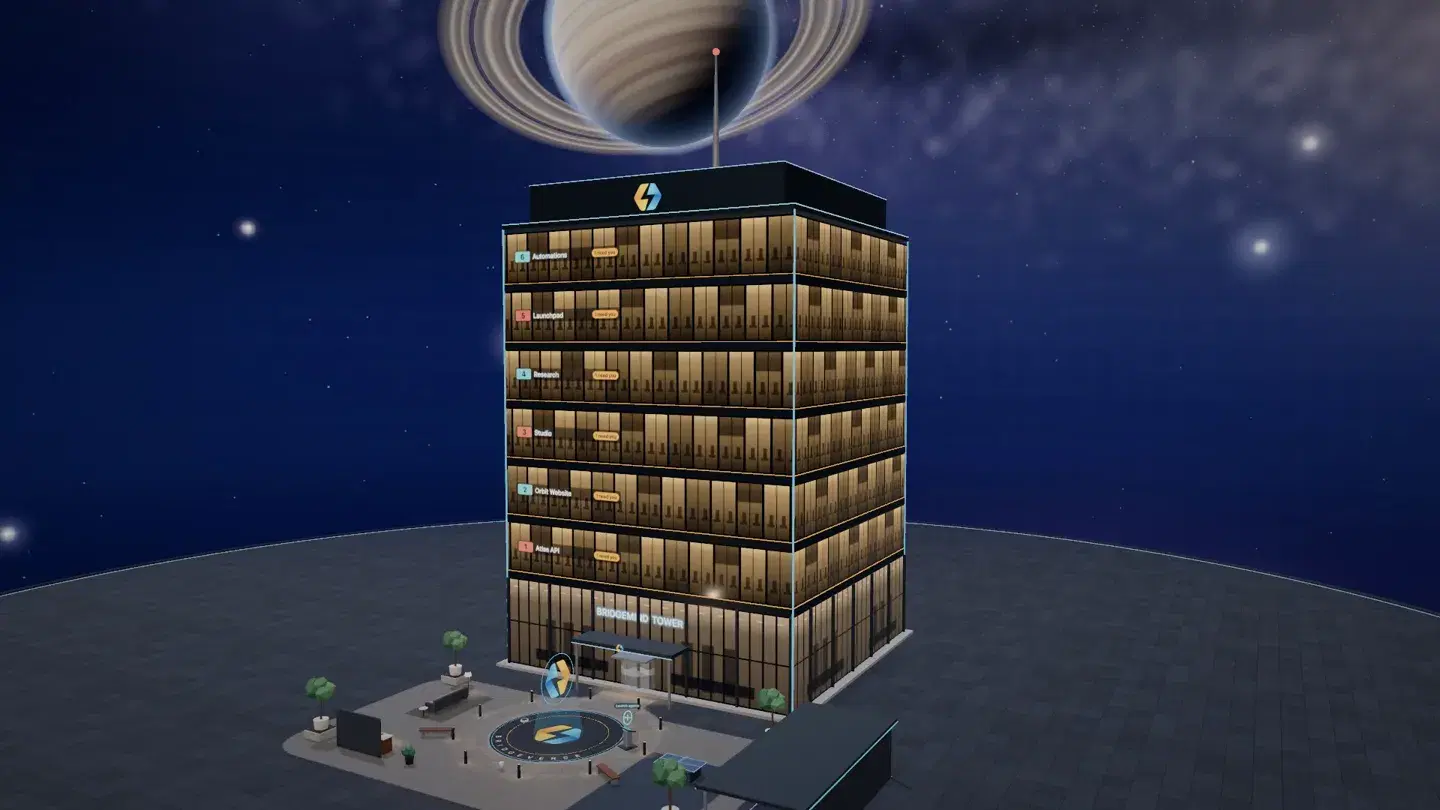
The BridgeVerse tower at night, one lit floor per workspace, with the plaza at its foot.
  1. A floor for every workspace.

    Each workspace gets its own floor of the tower, with its name on the wall. Take the lift to the one you need.
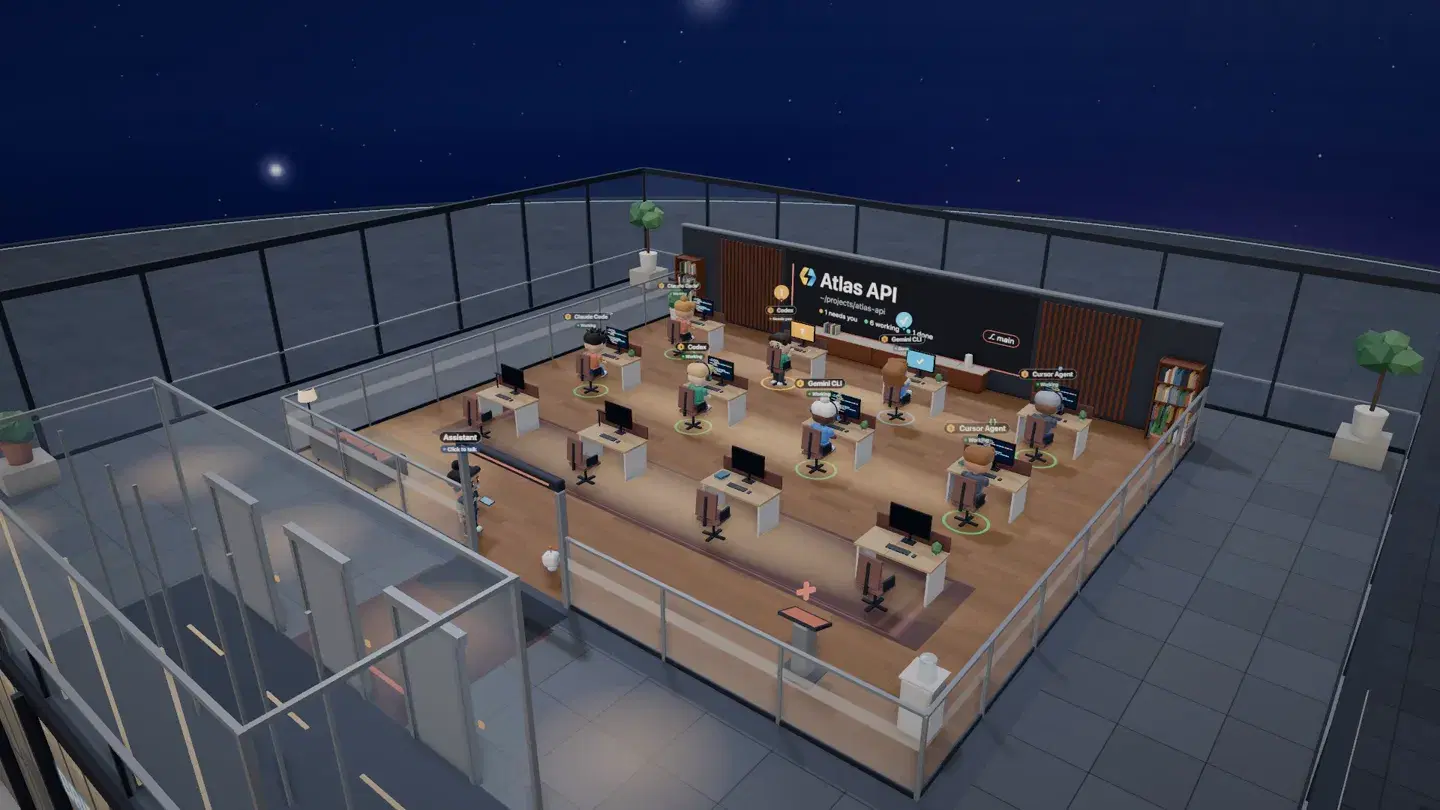
    One floor of the tower from above: rows of desks, each with an agent at its monitor.
  2. Every agent at a desk.

    Claude Code, Codex, Gemini CLI, Cursor Agent — each at its own desk, its state overhead: working, needs you, or done.
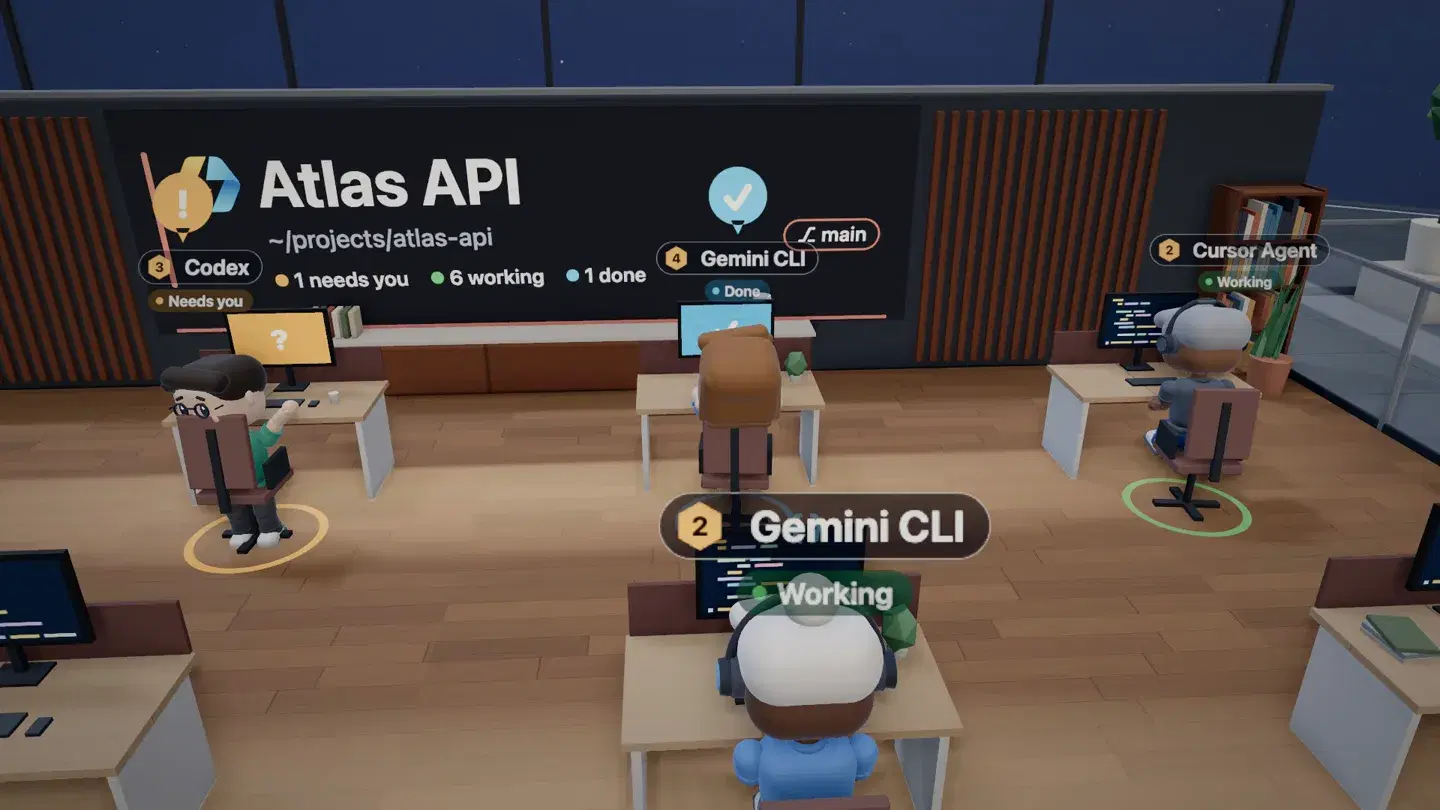
    Agents at their desks labelled Claude Code, Codex, and Gemini CLI, each marked Working, under a wall that reads 1 needs you, 6 working, 1 done.
  3. Walk up. Take the terminal.

    Step up to any desk and that agent’s live terminal opens in place. Read the output, type the next prompt, walk on.
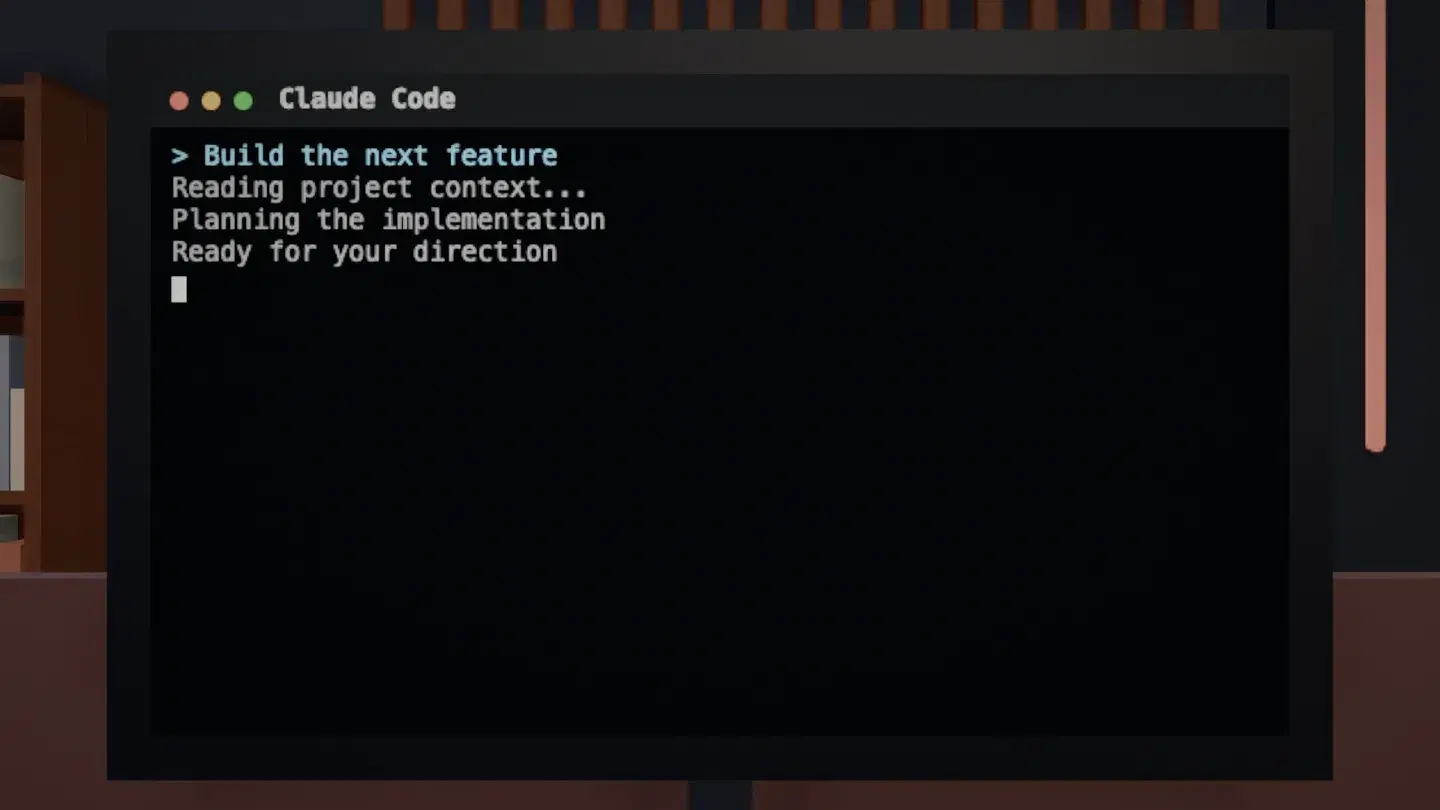
    A Claude Code terminal opened from an agent’s desk, waiting for direction.
  4. Talk to the room.

    Each floor has an assistant at the door. Click it, or any agent, and talk: the assistant runs the room, an agent answers for its own session.
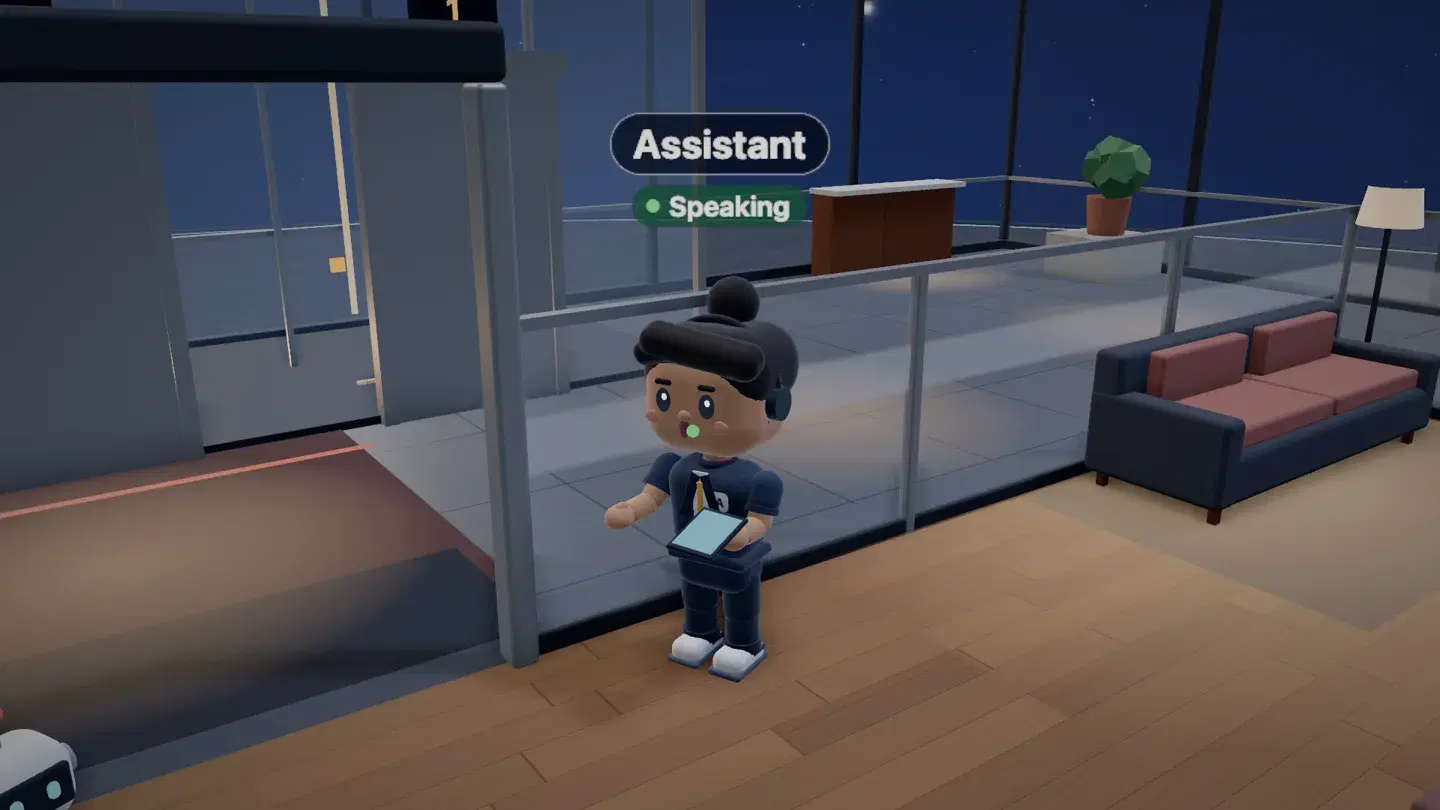
    The floor’s assistant at the doorway, marked Speaking.

Put your agents in one window.

Install it, sign in, and ship from one window.

BridgeMind is a desktop app. Open this page on your Mac, Windows, or Linux machine to install it.

See plans

Requires an active BridgeMind plan to run the app and use hosted features.See plans

Changelog